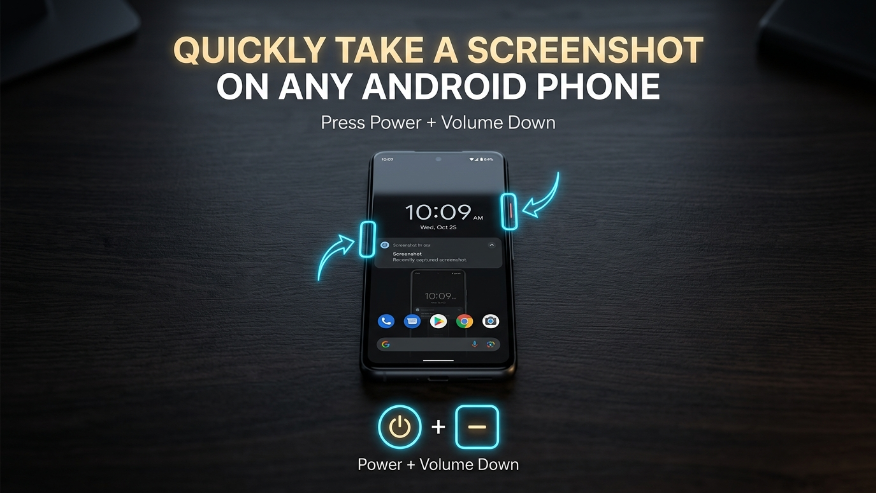
On almost all modern Android smartphones (Samsung, Google Pixel, OnePlus), the physical button combination remains the most reliable method.
+
PRO TIP: Press both buttons simultaneously for about one second. You will see a brief flash on the screen confirming the capture.