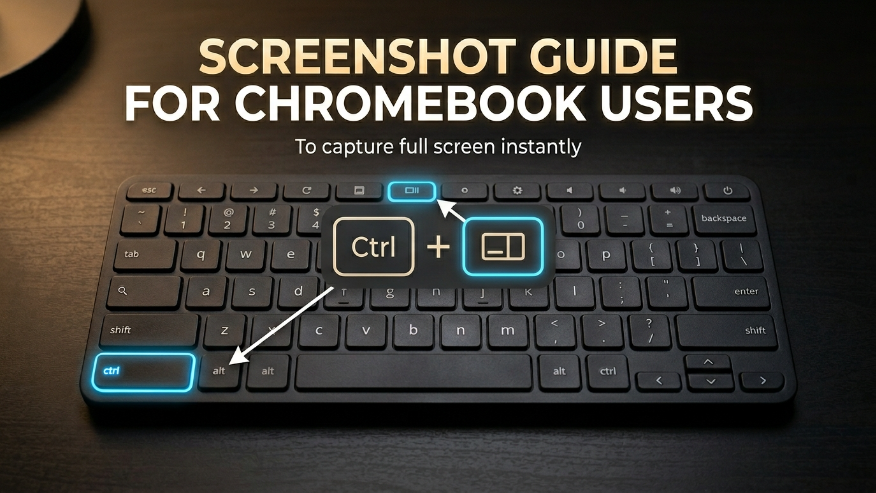
How to Screenshot on ChromebookChromebooks have a dedicated “Show Windows” key (it looks like a rectangle with two lines) specifically for multitasking and capturing. Ctrl + Show WindowsPRO TIP: To take a screenshot of only a part of the screen, press Ctrl + Shift + Show Windows. Telegram Whatsapp Facebook Twitter Pinterest