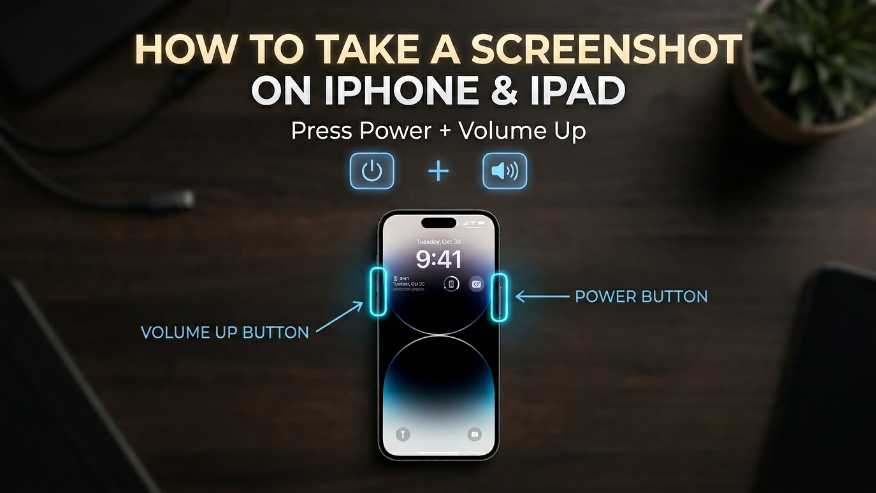
How to Screenshot on Android iPhoneCapturing your screen on an iPhone depends on the model you are using. For iPhones with Face ID, follow this professional shortcut: Side Button + Volume UpNote: If you have an older iPhone with a Home button, press the Home Button + Side Button together. Telegram Whatsapp Facebook Twitter Pinterest