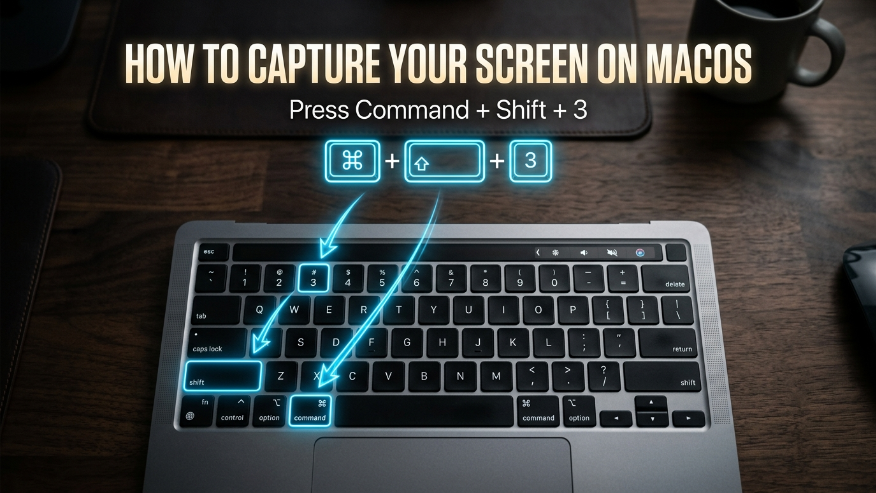
Apple makes it incredibly easy to take high-quality screenshots. By default, these images are saved directly to your desktop as PNG files.
+
+
PRO TIP: Use Cmd + Shift + 4 if you want to select a specific portion of the screen instead of the whole desktop.